Sticker Instructions Sheet
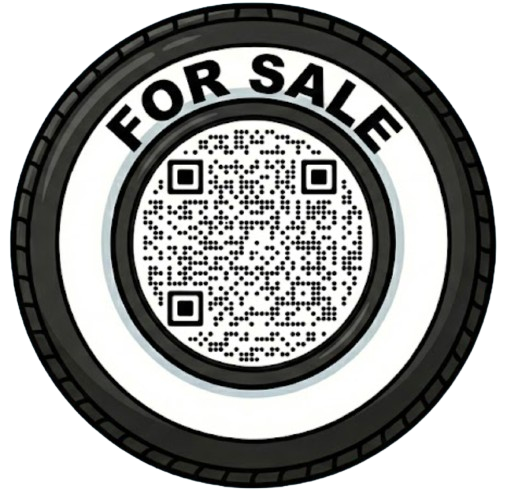
8" x 8" instruction card for mailing with stickers
StickandSell
Easy Application Guide
1
Scan Your QR Code
Open your phone camera and point it at the QR code on your sticker. Tap the notification to visit your listing page.
2
Create Your Car Listing
Visit stickandsell.ai and sign up free. Add your car details, upload photos, set your price, and activate your listing.
3
Clean the Surface
Clean your car window with glass cleaner. Make sure the surface is completely dry before applying the sticker.
4
Choose Your Spot
Best placement: Lower corner of rear window. Ensure it's clearly visible.
5
Peel & Apply
Carefully peel off the backing. Apply firmly to the glass, pressing from center outward to eliminate air bubbles.
✓
You're Ready to Sell!
Test the QR code with your phone. Buyers can now scan to view all car details instantly!
💡 Important Tips
✓Regular printer paper works – it sits inside the window, no waterproof vinyl needed
✓Test scan with your phone after application to ensure it works
✓Park in high-traffic areas for maximum visibility
✓Update your listing anytime at stickandsell.ai
Need Help? Visit stickandsell.ai
Customer Support: info@stickandsell.ai

